MSCv3 is a system that allows you to centrally manage content and display it on one or more players.
The process is simple:
- Pair players
- Assign content
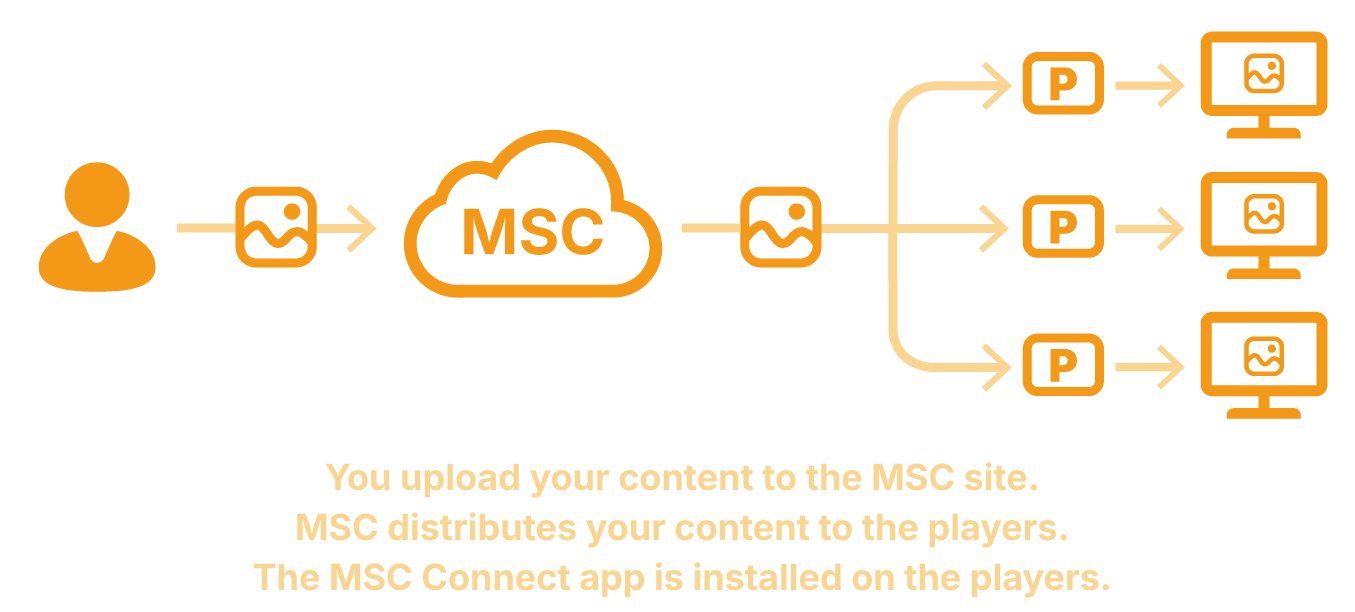
MSCv3 is a system that allows you to centrally manage content and display it on one or more players.
The process is simple:
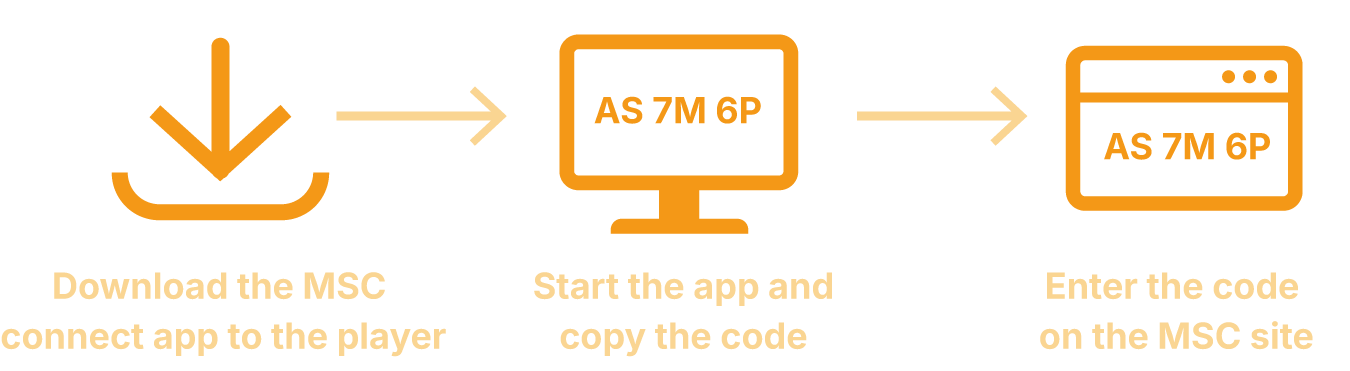
In order for a player to display content, it must be paired with your MSCv3 account once.
To do this, install the MSC-Connect app on the desired player. Once launched, the app will automatically display a 6-digit pairing code.
Enter this code into MSCv3. The player will then be linked to your account and will be able to receive and display content.
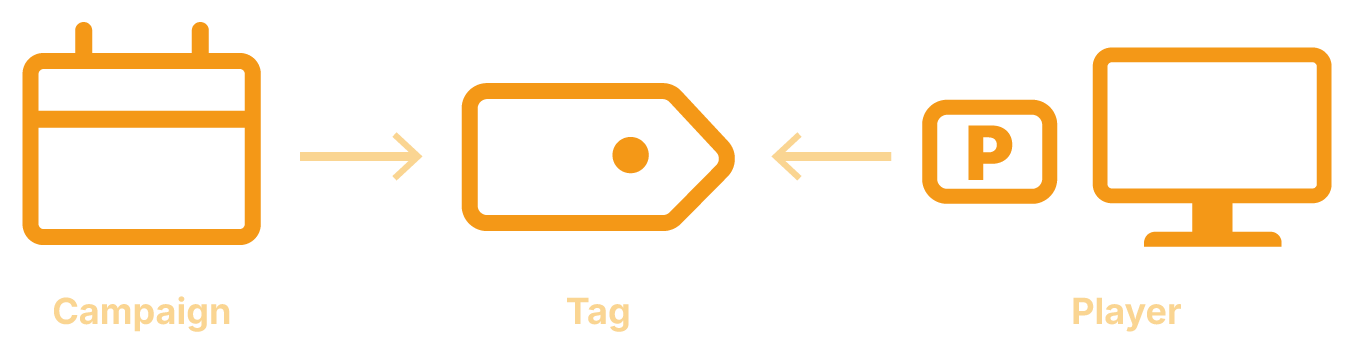
Once a player has been linked, you can specify what is to be displayed on it. In MSCv3, this is done via tags.
A tag links content to the appropriate players. For example, you can create a tag for a location, a department or a specific promotion.
You then assign:
From the Standard version onwards, you can create as many tags as you like and assign a tag to every screen and campaign. From the Premium version onwards, you can assign as many tags as you like to every campaign and every screen, allowing even the most complex systems to be implemented.